
Capabilities in the current line
Sublime Text 4 adds drawing, navigation and language work that older builds did not ship this way.
GPU drawing

The chrome can use the GPU on Linux, Mac and Windows. The interface stays smooth toward 8K and typically spends less power than the older path.
Apple Silicon and Linux ARM64

The Mac package now runs natively on Apple Silicon. Linux ARM64 builds cover boards such as the Raspberry Pi.
Tab multi-select

File tabs now split the layout without extra ritual. Side bar, tab bar, Goto Anything, Goto Definition and completion all point at the same navigation habit.
Project-aware completion

Completion was rebuilt to read symbols already in the project. Each suggestion can show its kind and a path to the definition.
Refreshed chrome

Default and Adaptive themes received new tab shapes and dimming for idle panes. Color schemes can follow system dark mode. Adaptive on Windows and Linux can draw its own title bar.
TypeScript, JSX and TSX

Those languages now ship in the default set, so syntax tools apply inside modern JavaScript trees without a hunt for packages.
Stronger syntax engine

Highlighting now handles fuzzier grammars, multi-line forms, lazy embeds and inheritance. Memory dropped and load time improved.
Python 3.8 API

The plugin API moved to Python 3.8 while still loading many Sublime Text 3 packages. The surface grew enough for tools such as LSP to settle in.
From the on-page tour
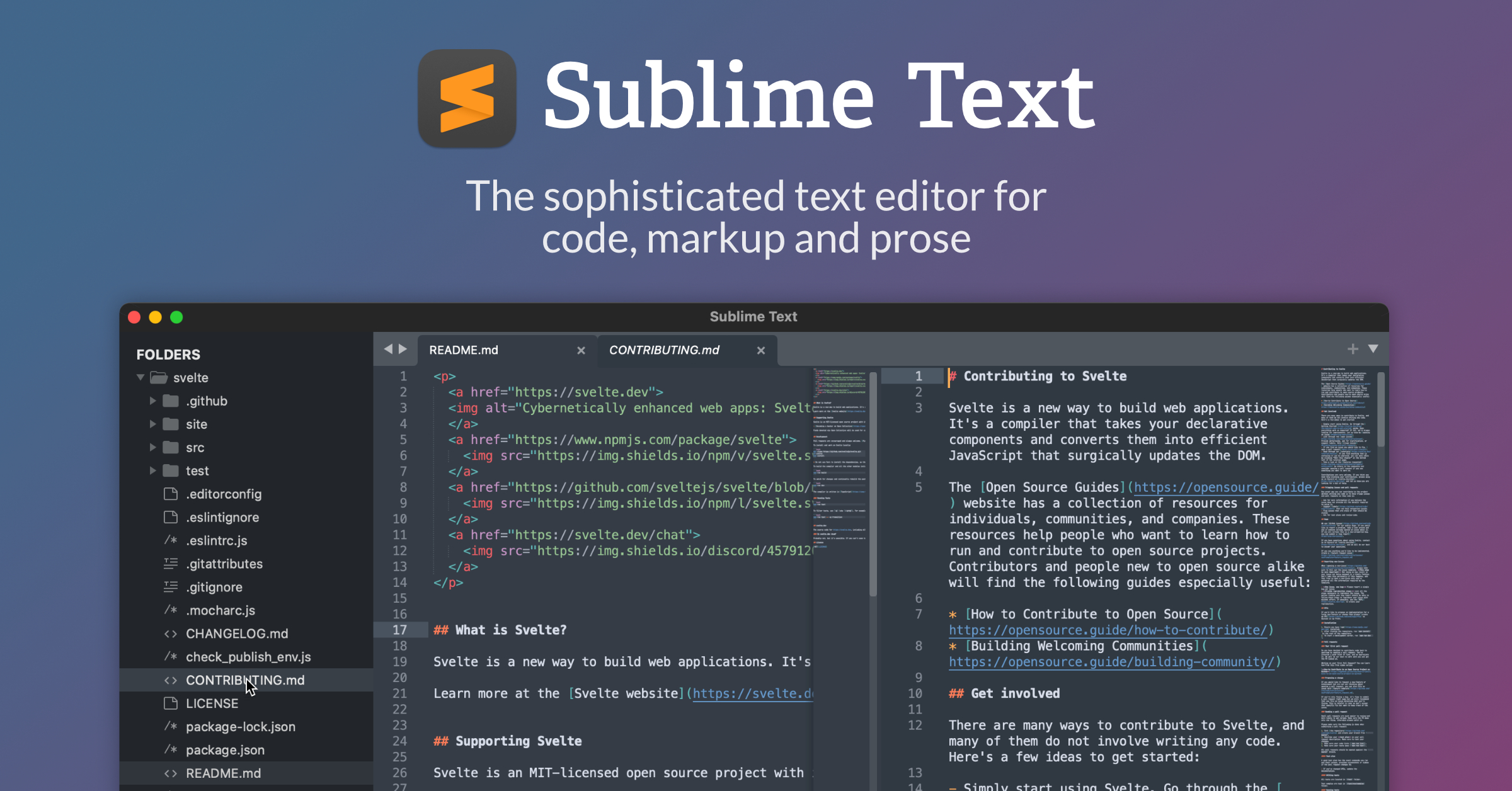
Split the working area and jump between files
With Tab Multi-Select, tabs sit at the center of the layout. Hold a modifier while you click and the editor opens another pane. The same idea works from the side bar, the tab bar, and Goto Anything.
Open a definition in a neighboring pane
The Definitions popup can sit beside the current file. Use the icon or hold Ctrl (Command on Mac) when you follow a link. Goto Definition, Goto Reference and Goto Symbol in Project follow the same pattern so you read the full body, not a short blurb.
Inspect a definition from the completion list
When a completion points at a symbol, follow the Definition link or press F12 to open it on the right. Returning to the original buffer restores the completion window where you left it.
Rename many matches with multiple carets
Ctrl+D (Command+D on Mac) grabs the next match of the current word. Ctrl+K, Ctrl+D skips one. Each caret then edits on its own.
If a shortcut dies after install, start with the field notes. Field notes.